Swipe to start
Today's workout sits at the top of the week. Swipe it and the first exercise is on screen. Sets and exercises advance automatically, so the only button you'll press is "Log set".
For Apple Watch
Swipe once, lift, rest, repeat. FlowFit runs your whole session from your wrist with nothing to tap through and nothing to sign in to.
One gesture on today's workout and you're in. No menus, no "start workout" screen.
Heart rate, reps and an animated guide on one screen. Tap once when the set is done.
A 10 second timer starts on its own. Three taps on your wrist, then the next set is up.
Built for the gym floor
The iPhone is for planning. Once you're training, you shouldn't need it at all.
Today's workout sits at the top of the week. Swipe it and the first exercise is on screen. Sets and exercises advance automatically, so the only button you'll press is "Log set".
Ten seconds between sets, started for you. Haptic 3, 2, 1 so you never watch the clock. One tap skips it.
Pick a focus for each day. FlowFit fills in three exercises from a library of 32 across 7 muscle groups. Adjust sets and reps if you like, or don't.
Heart rate and calories show live on the exercise card. When you finish, the workout lands in Apple Health as a strength session. Nothing to enter afterwards.
Animated guides
Every one of the 32 exercises ships with a lightweight animated demo, drawn right on the watch. It's there the instant the exercise comes up, in a basement gym with no signal.


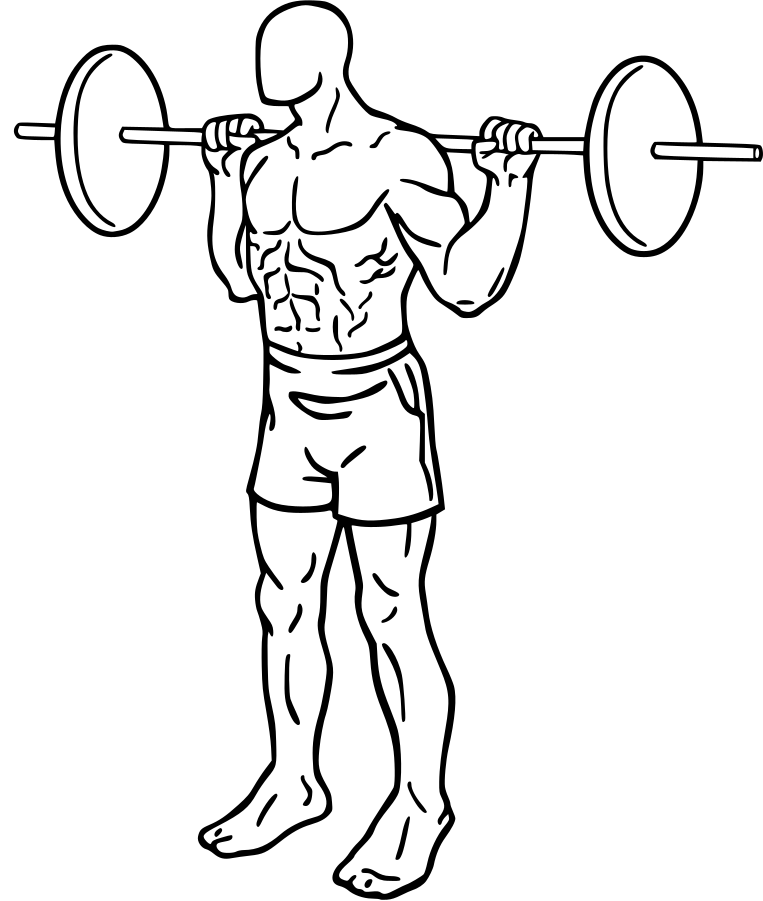
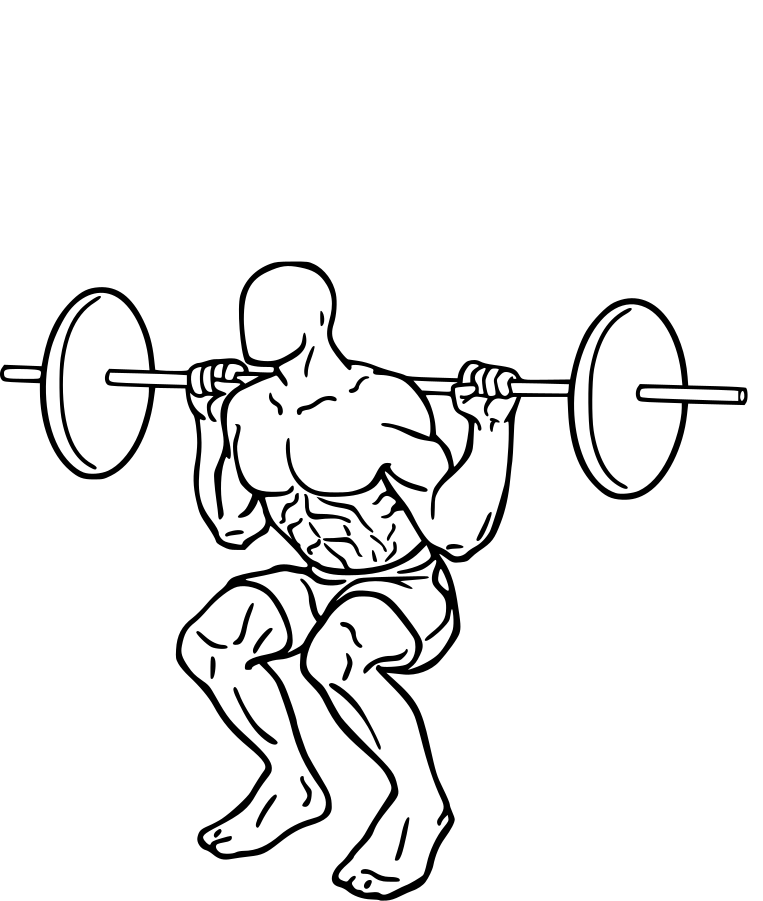






Two-frame animations, a few kilobytes each. The whole library fits in less storage than one streamed workout video.
Quietly reliable
Plan on your iPhone, train on your Watch. The schedule moves between them through your own iCloud, private to your account. Workouts, heart rate and calories go to Apple Health on their own.
Guides, plans and timers all live on the watch. Airplane mode, a concrete basement, a hotel gym abroad: FlowFit doesn't notice.
There is no account to create, no email to confirm and no paywall between you and the next set. Open it and train.
For the AI-native
FlowFit ships a server for the Model Context Protocol (MCP). Claude, or any MCP client, can read and write your weekly plan. Describe the week you want and it shows up on your watch.
Plan a push/pull/legs week for me. Keep Wednesday and Sunday free.
Done. Monday chest, Tuesday back, Thursday legs, Friday shoulders, Saturday arms. Wednesday and Sunday are rest days. It's on your watch now.
FlowFit MCP · schedule updated
FlowFit is coming to the App Store for Apple Watch, with an iPhone companion for planning.